A Signing Link is a shareable URL that you can copy and distribute directly - via email, messaging, or a website - so signers can access your Template Link without needing to receive it through Xodo Sign's email system.
Important: Signing Links are only available for Template Links, not for standard Templates.
Steps to Get a Signing Link
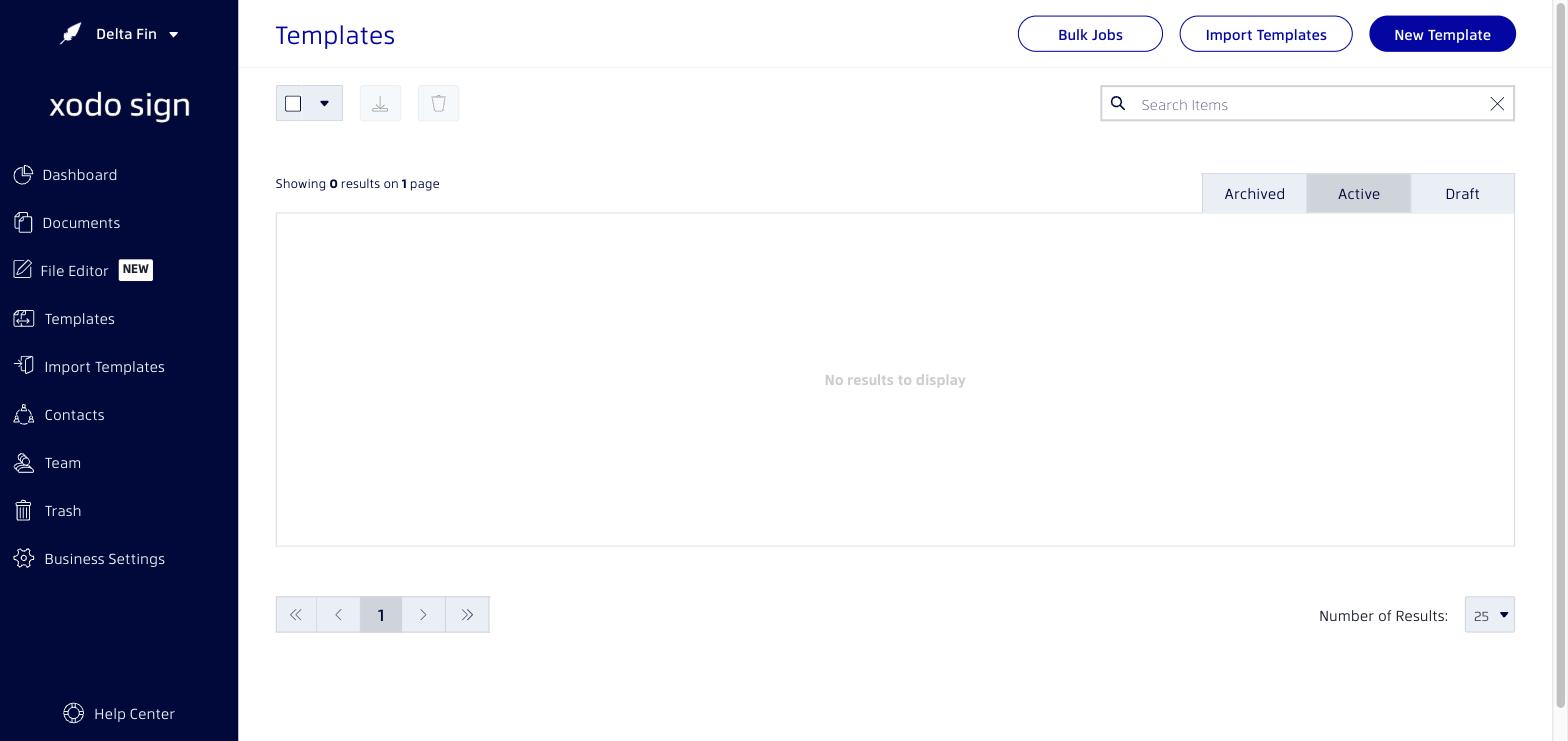
- Go to Templates in the left navigation menu.
- Find the Template Link you want to share.
- Click the dropdown menu on the right side of the template row.
- Select Get Signing Link.
- Copy the link that appears and share it with your signers however you prefer.
Note: Anyone with the signing link will be able to access and sign the document by entering their name and email address.
Related articles
Was this article helpful?
That’s Great!
Thank you for your feedback
Sorry! We couldn't be helpful
Thank you for your feedback
Feedback sent
We appreciate your effort and will try to fix the article