Use this guide to quickly find the right resource for sending documents or creating templates in Xodo Sign.
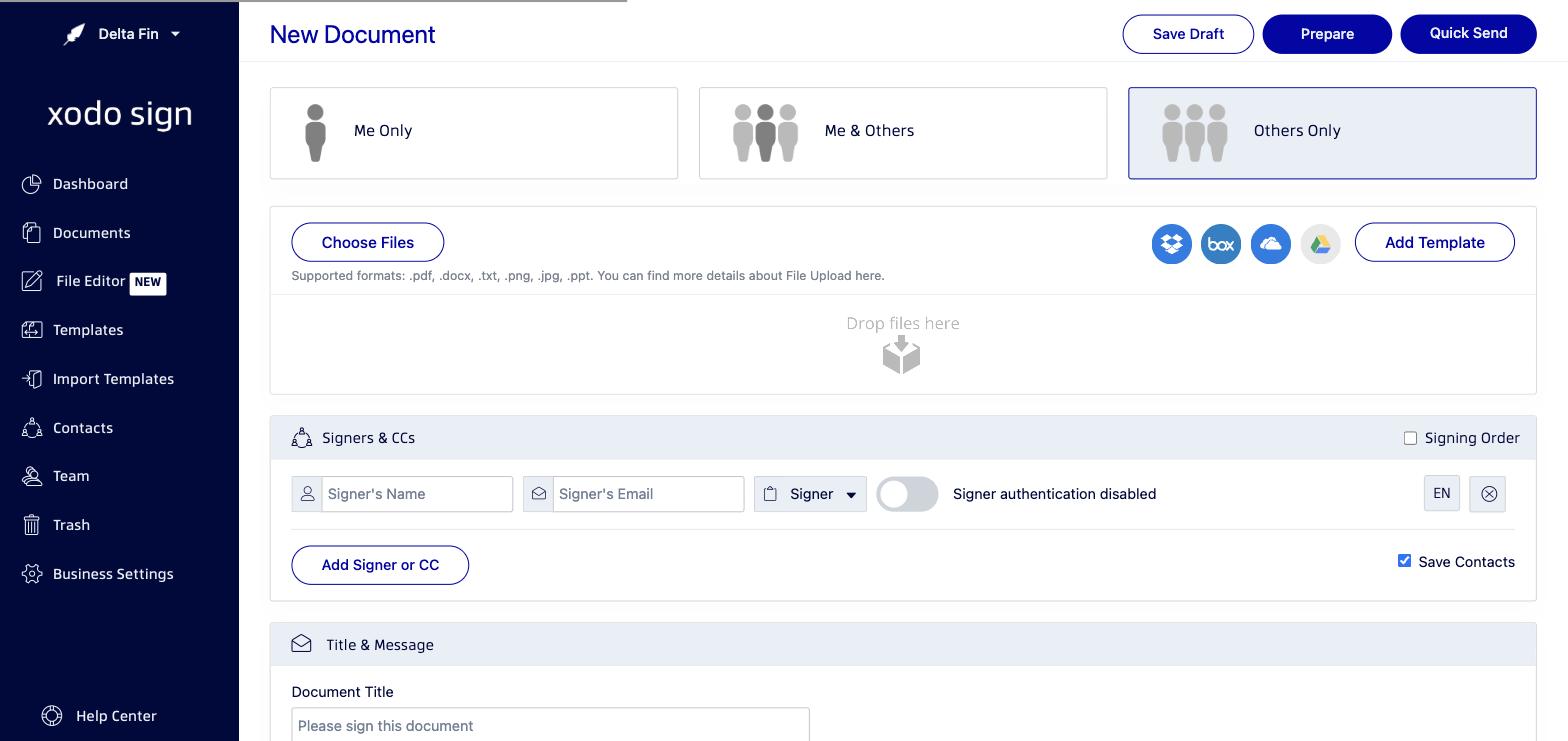
Sending a Document
- How to Send a Document for Signature - Full step-by-step guide to creating, preparing, and sending a document.
- Getting Started: Creating Your First Document - Overview of the New Document screen and your options.
- Choosing a Document Type: Me Only, Me & Others, or Others Only - Understand which document type fits your situation.
- How to Upload Files for Signing - Supported file formats and how to upload.
- How to Add Signers and CC Recipients to a Document - Add recipients and assign roles.
- How to Set a Signing Order for Documents and Templates - Control the sequence of signing.
Creating a Template
- How to Create a Template or Template Link - Create reusable templates and shareable Template Links.
- How to Set a Signing Order for Documents and Templates - Set a signing order in templates.
Quick Send
If you want to send a document immediately without placing fields, use the Quick Send button on the New Document page. Signers can sign anywhere on the document. See How to Send a Document for Signature for details.
Need more help?
Contact Xodo Sign Support - our team is happy to help.
Was this article helpful?
That’s Great!
Thank you for your feedback
Sorry! We couldn't be helpful
Thank you for your feedback
Feedback sent
We appreciate your effort and will try to fix the article