When creating or editing a template, you can configure Template Settings at the bottom of the template editor. These settings control who on your team can access and use the template.
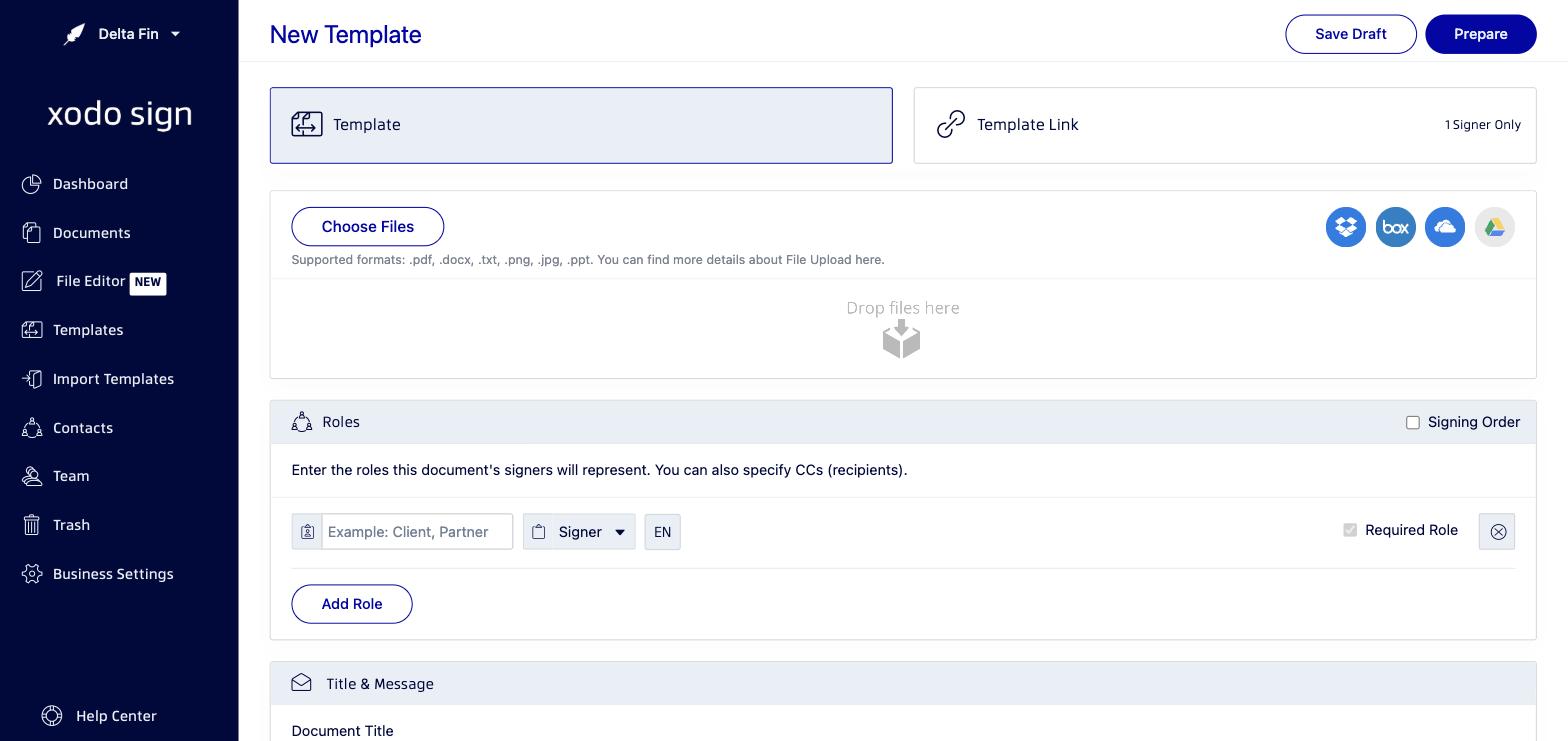
Available Template Settings
Make this template available to Staff members
When enabled, this template becomes available to all members of your team. Templates shared with the team are called Global Templates. When this setting is off, the template is only visible to you (called an Own Template).
Prevent Staff members from modifying this template
When enabled, team members with the "Staff" permission level will not be able to edit or modify the layout of this template. They can still use the template to send documents, but cannot make structural changes. This option is only available if the template has been made available to staff members.
Template Permission Types
- Global Templates: Available to all team members. Useful for standard company documents that everyone needs to use.
- Own Templates: Visible only to the creator. Useful for personal or draft templates.
Related articles
Was this article helpful?
That’s Great!
Thank you for your feedback
Sorry! We couldn't be helpful
Thank you for your feedback
Feedback sent
We appreciate your effort and will try to fix the article