Bulk Sending lets you generate and send a large number of documents at once using a single template. Instead of sending documents one by one, you can upload a CSV file with signer details and send to multiple recipients in a single action.
What you'll need
- An existing template in Xodo Sign
- A CSV file with signer names and email addresses
How to use Bulk Sending
- Go to Templates in the left navigation.
- Find the template you want to use.
- Click the Actions menu and select Send Template in Bulk.
- Download the CSV template provided (or skip if you already have your own).
- Fill in the CSV with signer names and email addresses, then save the file.
- Upload your completed CSV file by clicking Choose Files.
- Review the summary and click Send to X Signers to confirm.
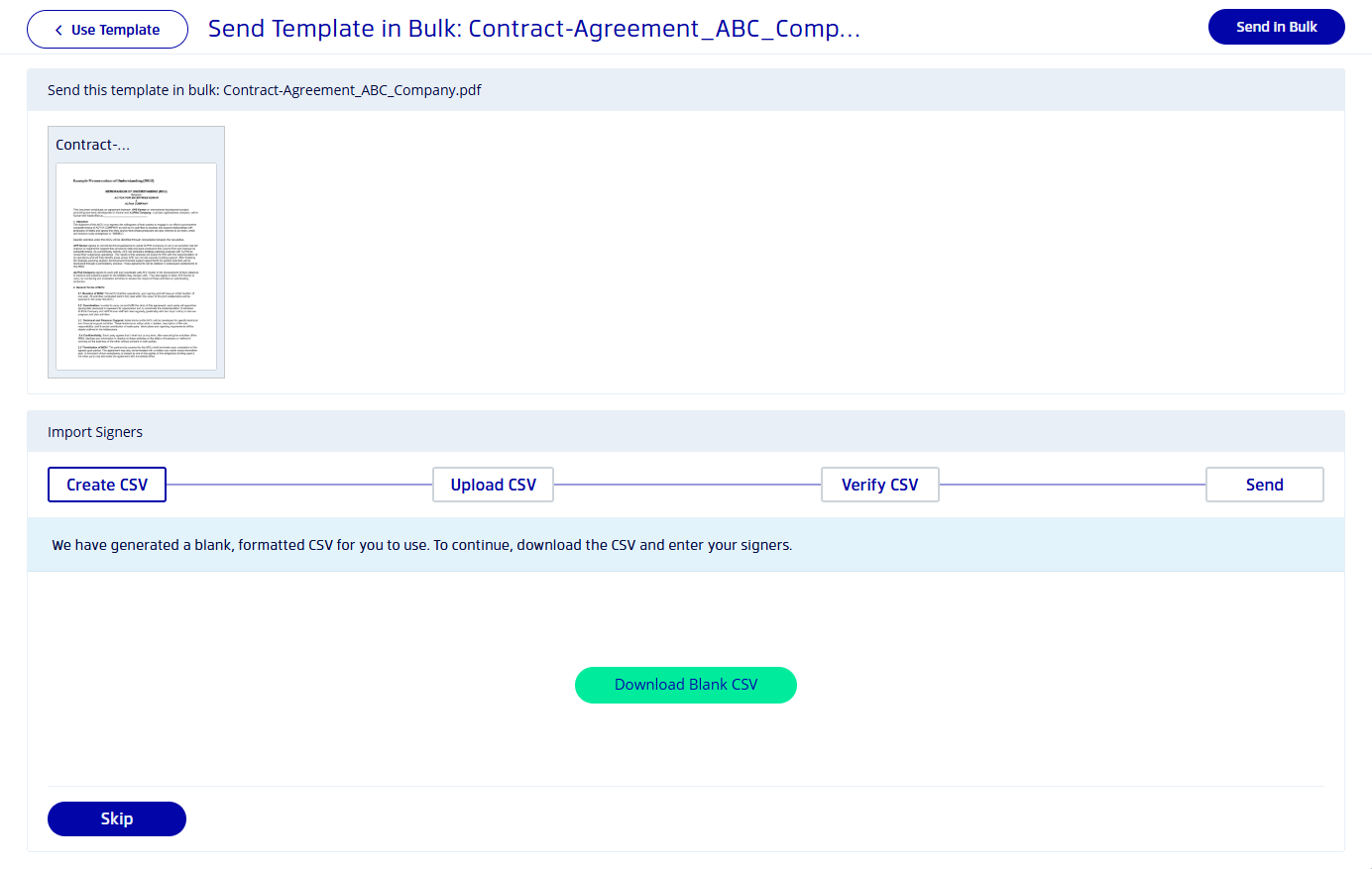
Once confirmed, all documents are sent and a Bulk Job is created so you can track progress.
Current limitations
- Maximum of 250 documents per bulk request
- CSV supports signer name and signer email fields (additional fields may be added in the future)
- All documents generated count against your API quota — enable Overage Billing if needed to avoid interruptions
How to manage a Bulk Job
- Go to Templates.
- Click the Bulk Job button in the top-right corner.
- Select a job from the list to see detailed progress for each document in the batch.
Was this article helpful?
That’s Great!
Thank you for your feedback
Sorry! We couldn't be helpful
Thank you for your feedback
Feedback sent
We appreciate your effort and will try to fix the article